You shouldn't have to keep your whole center in your head.
Fees. Leads. Attendance. Schedules. Students. Staff. Nova brings the signals from across Novano into one role-aware view — surfacing what needs attention and helping your team act from the same context.
Nova finds what matters. You stay in control.
Every new account gets 30 days free. A card is needed to start; cancel any time before day 30.
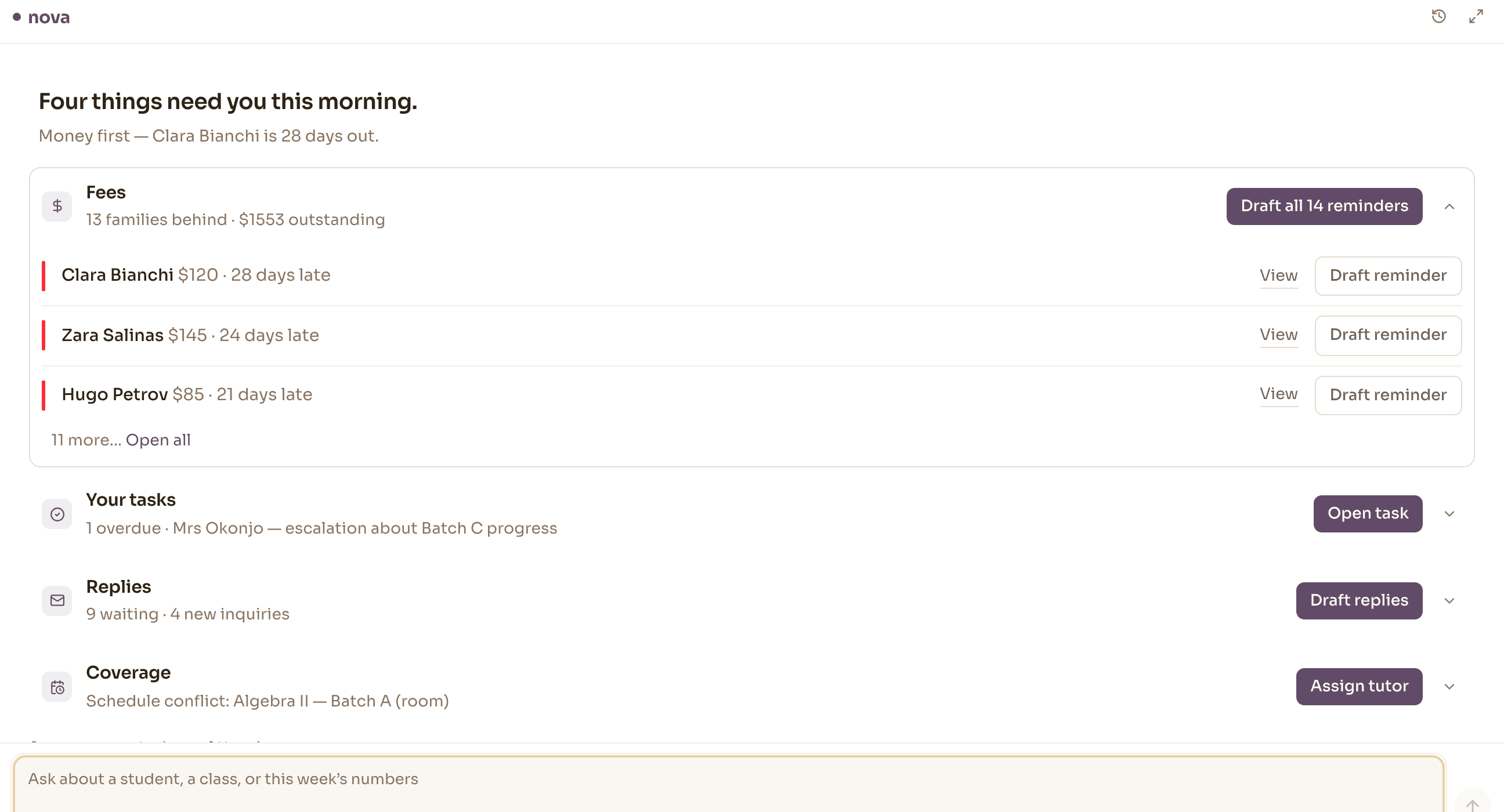
Three things, in one motion.
Notice, understand, handle — without the context resetting between them.
Brief
Ask
Act
Questions in your words, answered from the record.
Ask what you would ask a very well-briefed colleague. Nova reads the live record to answer — the same arrears rollup, student history, day schedule, fee account, lead list and attendance report your team works in.
Which means an answer can be checked. Every figure it gives you exists on a screen you can open, and it will tell you which one.
- “Who is most overdue, and by how long?”
- “What does Thursday look like, and who is teaching it?”
- “Show me the leads nobody has replied to.”
- “How has Amara been doing in Algebra II?”
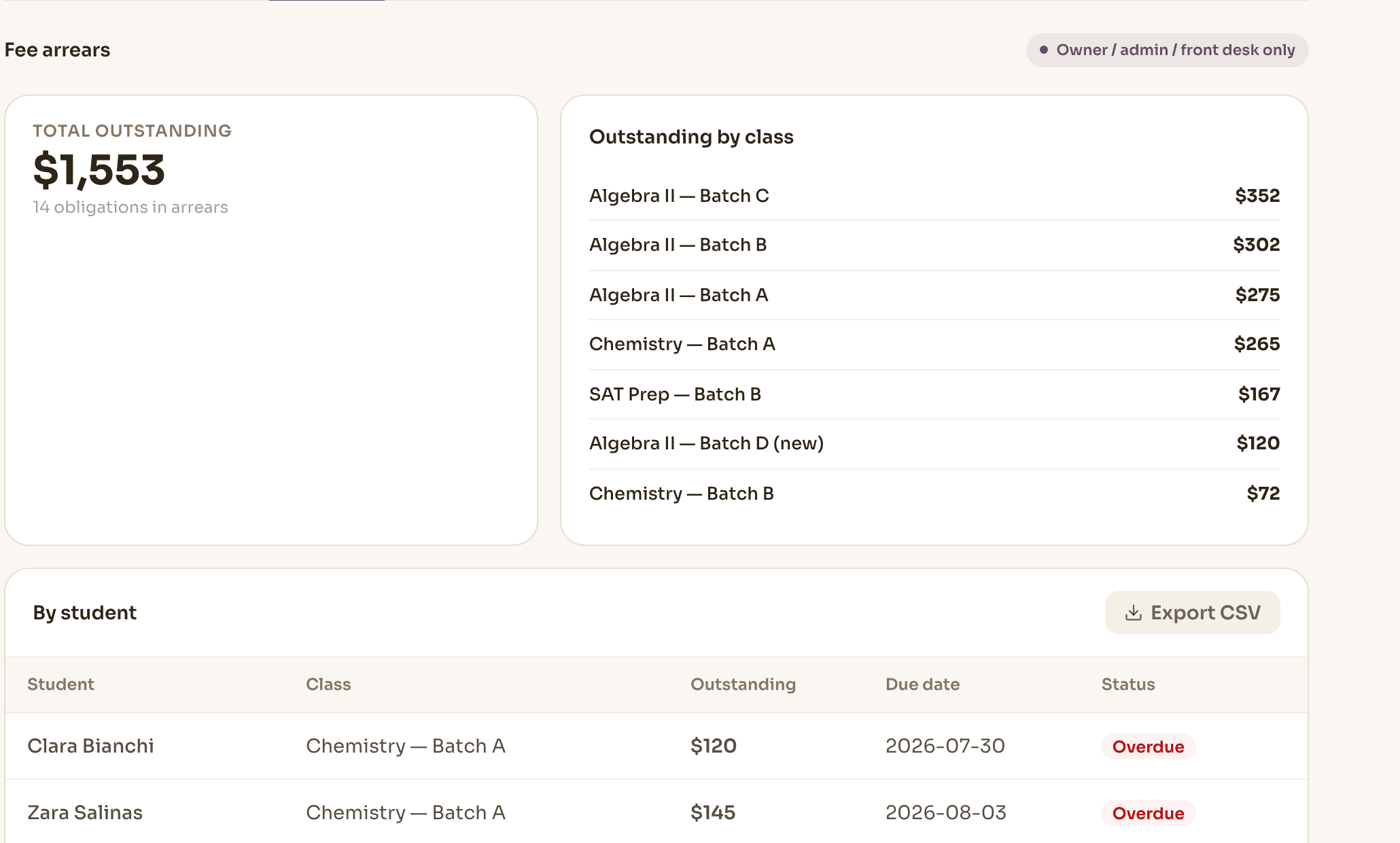
It shows you what it is about to do, then waits.
Draft a fee reminder, record a payment, move a session or a whole class, raise a task and put someone's name on it. Each one arrives as a preview of the exact change — this student, this amount, this date — and nothing happens until you confirm.
Marking attendance is the one that doesn't stop to ask, because it is reversible in a single step. That distinction is drawn in the product, not in the marketing.
- A preview of the specific change, before it happens
- Reminders and replies land as drafts — you send them
- Marking attendance is the one exception, because it's reversible in a step
- Nothing Nova offers is an action you couldn’t take yourself
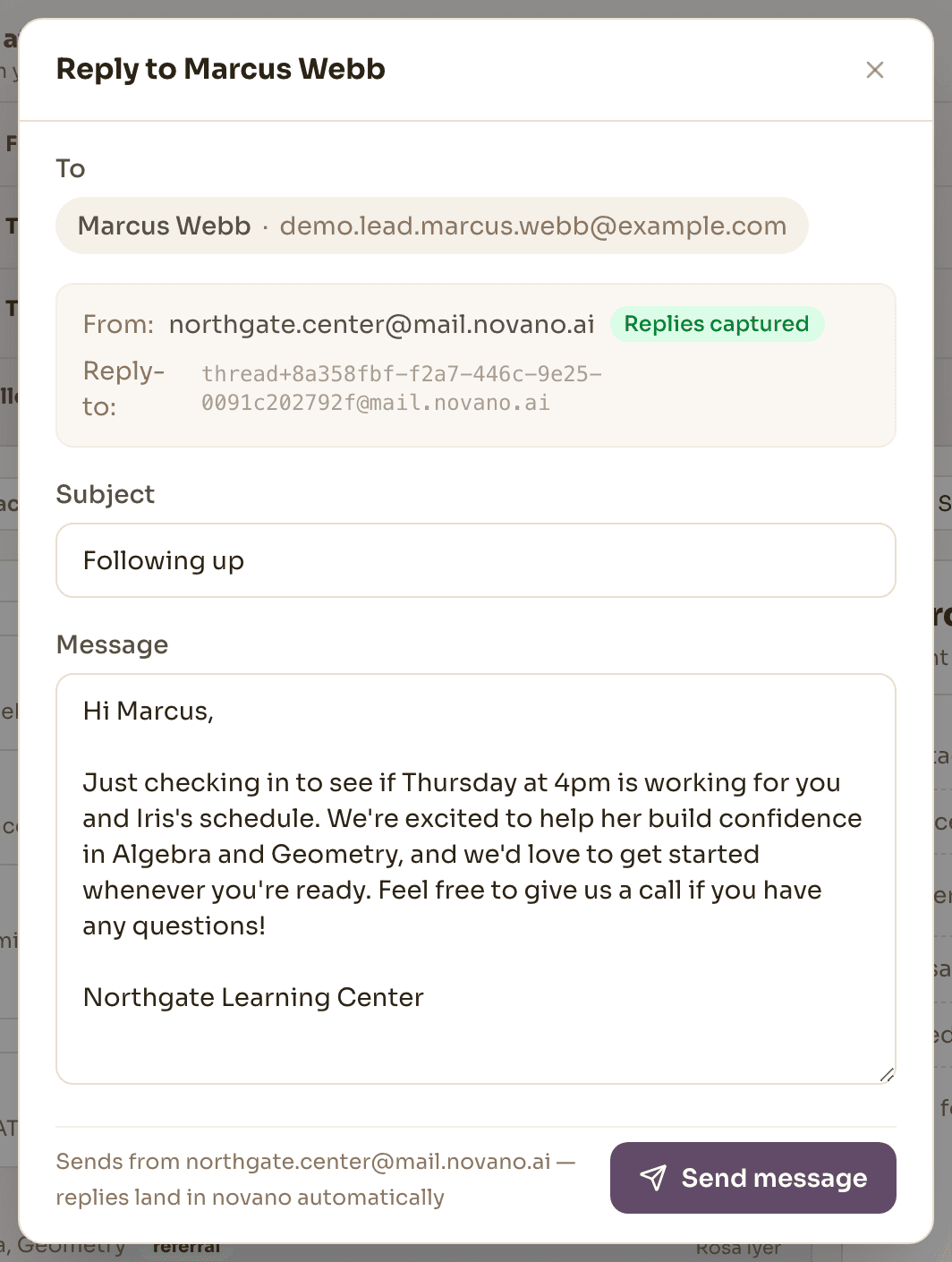
Know what needs attention. Know who owns it.
When a signal needs more than a one-click fix, the next step is a staff task — an owner, a due date, the discussion kept attached — so it stops being a thing someone might remember and becomes a thing someone owns.
- Issue surfaced
- Assign to staff
- Task created
- Resolved
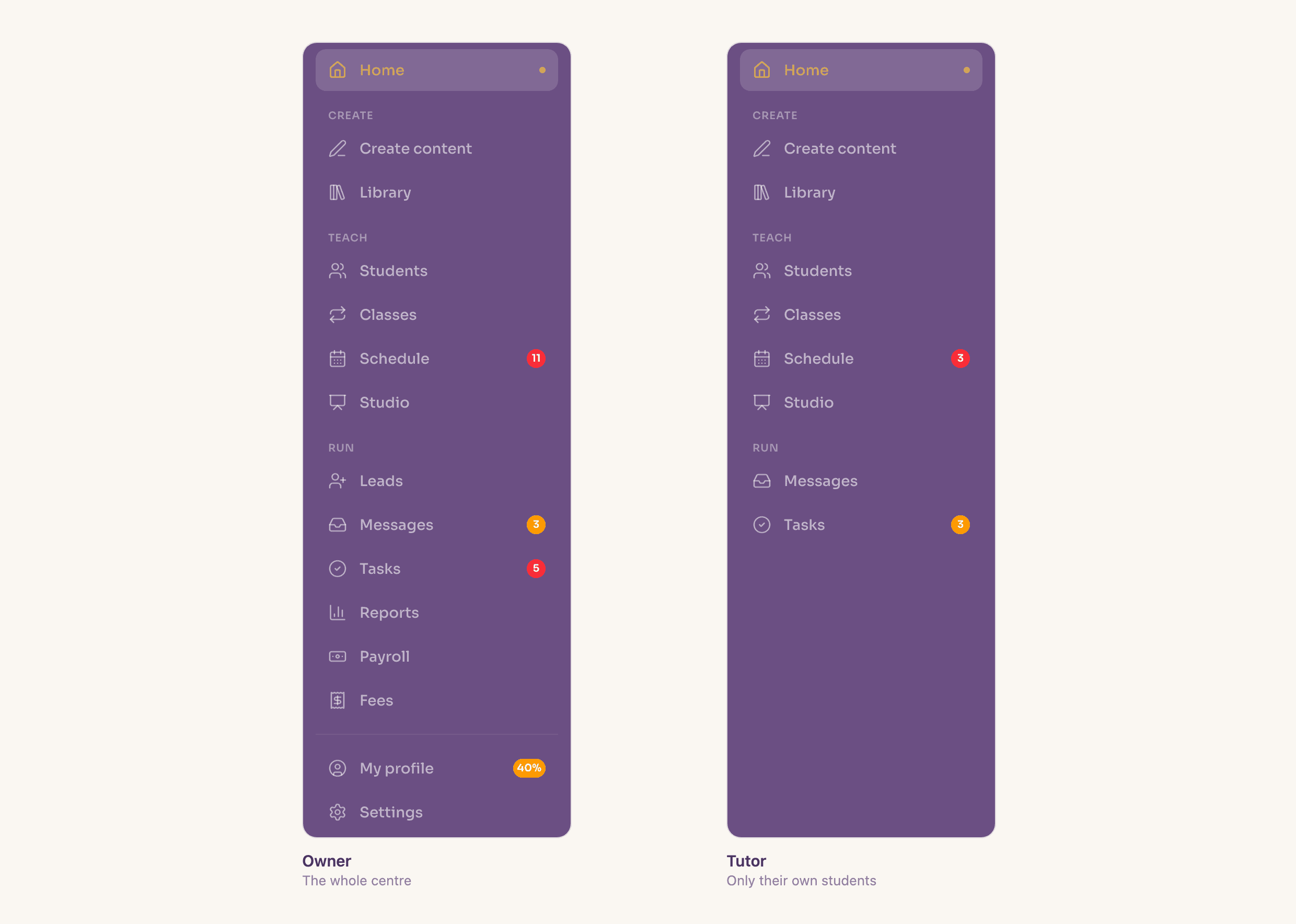
Nova sees the center through your role.
An owner, administrator, front-desk employee and tutor should not all see or do the same things — and with Nova they don't. Its available context and actions follow the capabilities of the person using it, set before the conversation starts.
The mechanism is the reassurance: if a user doesn't have access to a capability, Nova never receives the corresponding tool for that conversation. So a tutor asking about center revenue doesn't get a filtered answer — there is no tool in the room that could produce one. And consequential actions stay visible and confirmation-gated, rather than executed silently.
Intelligence without giving up control.
- Owner, administrator, front desk and tutor each get a different Nova
- Enforced where the data is, not by hiding options
- It drafts and previews; a person confirms and sends
One intelligence layer. Not another silo.
Nova isn't a copy of your center bolted on beside it. It reads the same record your team creates by doing the work — which is why its answers reconcile with the screens, and why there's nothing separate to keep up to date.
4 things need your attention
- 13 families behind on feesDraft reminders
- 7 leads need follow-upDraft follow-ups
- 1 room conflict on FridayAssign tutor
- 9 replies waitingDraft replies
Students
51 active students
Schedule
25 sessions this week
Attendance
86% present
Leads
12 in the pipeline
Fees
$1,553 outstanding
Teaching
20 materials
Good to know
What is Nova, exactly?
The intelligence layer across your center. It reads the same records your team works in — fees, attendance, schedules, students, leads, tasks — and turns them into a Brief of what needs attention, answers to questions you ask in your own words, and actions you can take without leaving the answer.
Does Nova act on its own?
No. Most actions show you a preview of exactly what will change and wait for a person to confirm; marking attendance is reversible in one step. Running low-risk reversible changes unattended is deliberately held back rather than switched on.
Where does Nova live?
Your home screen is the Brief, and Nova is reachable from anywhere in Novano — including a command palette on ⌘K. It carries the context of the page you were on, so asking about “this class” means the one in front of you.
Do I have to use Nova?
No. Every screen Nova reads from and every action it offers is somewhere you can go yourself. Centers that prefer to work through the screens lose nothing.
What is Nova not good at?
Anything that isn’t in your center's record. Nova reasons over what your team has entered — sessions, attendance, fees, notes, leads — so a question about something nobody recorded has no answer, and it will say so rather than guess.
Start the day knowing what needs attention.
Bring a week you could describe from memory, and see whether the Brief agrees with you.
Every new account gets 30 days free. A card is needed to start; cancel any time before day 30.